
This document describes the Uboot details of the S32G RDB2 board Linux board development package BSP30 to help customers understand how the Uboot of S32G works and how to modify it to the customer's new board.
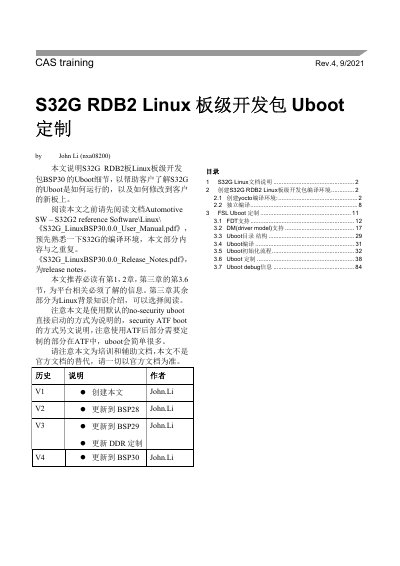
This CAS training document (Rev. 4, 9/2021) by John Li describes the U-Boot part of the Linux board support package BSP30 for the NXP S32G RDB2 board. It explains how the S32G U-Boot runs and how it can be modified for a customer's new board, using the default no-security U-Boot boot flow; the security ATF boot flow is covered in a separate document.
The guide first shows how to create the Yocto build environment on Ubuntu 18.04 and how to compile U-Boot standalone. It then covers FDT support, driver model support, the U-Boot directory structure, U-Boot compilation and initialization flow, the customization steps, and U-Boot debug messages. The author notes that the document is training and supporting material and is not a replacement for the official documentation. This manual is written in Chinese.
| U-Boot version | 2020.04 |
|---|---|
| U-Boot BSP tag | bsp30.0-2020.04 |
| Linux kernel version | 5.10.41 |
| Supported machine configurations | s32g274aevb, s32g274ardb, s32g274ardb2 |
| Build host operating system | Ubuntu 18.04 |
| Cross compiler | GCC 10.2.0 (aarch64-none-linux-gnu) |
| Free disk space needed for Yocto build | at least 50 GB |
The setup script currently supports s32g274aevb, s32g274ardb and s32g274ardb2; the document uses s32g274ardb2 as its example.
The Yocto build environment requires an Ubuntu 18.04 build host, for example the ubuntu-18.04.5-desktop-amd64.iso image.
It needs at least 50 GB of free space, and the recommended RAM size is 8 GB.
U-Boot 2020.04, output as u-boot.s32-qspi and u-boot.s32-sdcard.