
This product is a watch with stopwatch, countdown timer, alarm and other functions.
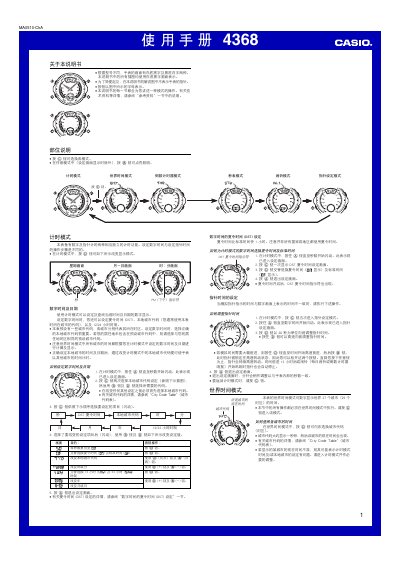
Traditional Chinese user manual for the Casio 4368 watch. It explains the button operations for timekeeping, world time, countdown timer, stopwatch and alarms, plus hand setting and display format settings.
The text describes setting digital time and date, local city code and DST, using the world time mode, configuring the countdown timer's auto-repeat and progress beeper, and setting daily and intermittent alarms. This manual is written in Chinese.
| Stopwatch display limit | 59 minutes 59.99 seconds |
|---|---|
| Daily alarms | 5 |
| Alarm duration | About 20 seconds |
| Time format | 12-hour and 24-hour |
| DST offset | 1 hour ahead of standard time |
The watch has five independently usable daily alarms.
The stopwatch display limit is 59 minutes 59.99 seconds.
The alarm sounds for about 20 seconds.
From the timekeeping mode, press the @ button five times to enter the hand setting mode.