
The TM-T88V is a versatile printer that can print text, graphics, and barcodes. It also has multiple interfaces, including USB, serial, and Ethernet.
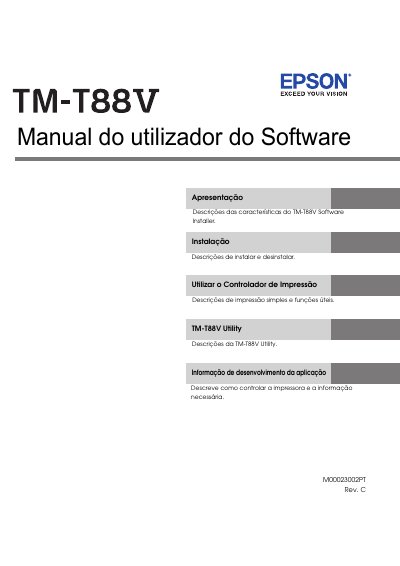
The Epson TM-T88V Software & Documents Disc user manual explains how to install and uninstall the drivers and utilities for the TM-T88V printer. It covers Easy Install and Custom Install, supported Windows operating systems, and how to replace a TM-T88III/IV with a TM-T88V.
The manual also describes using the printer driver, including printing characters, barcodes, 2D codes and logos, electronic journal and optional alarm settings, and the TM-T88V Utility for checking and configuring printer settings. A final chapter provides application development information for controlling the printer with drivers or ESC/POS commands. This manual is written in Portuguese.
| Supported operating systems | Windows 2000, Windows XP (32 bit), Windows Vista (32/64 bit), Windows 7 (32/64 bit), Windows Embedded for Point of Service, Windows Embedded POSReady 2009, Windows Server 2008 (32/64 bit), Windows Server 2008 R2 (64 bit) |
|---|---|
| Included UPOS drivers | OPOS ADK, OPOS ADK for .NET, and JavaPOS ADK for Windows |
| Included utilities | TM-T88V Utility, TMNet WinConfig, EpsonNet Simple Viewer, and EpsonTM Virtual Port Driver |
| Printer control methods | Printer drivers or ESC/POS commands |
It installs various drivers and utilities for the TM-T88V printer.
The listed systems include Windows 2000, Windows XP, Windows Vista, Windows 7, Windows Embedded for Point of Service, Windows Embedded POSReady 2009, Windows Server 2008, and Windows Server 2008 R2.
It lets you check and configure TM-T88V settings and set the IP address of a printer connected by Ethernet.
The printer is controlled by drivers or ESC/POS commands.