
Philips TAT1138 true wireless headphones, enjoy convenient wireless hands-free calling, enjoy and control music wirelessly, switch between calls and music.
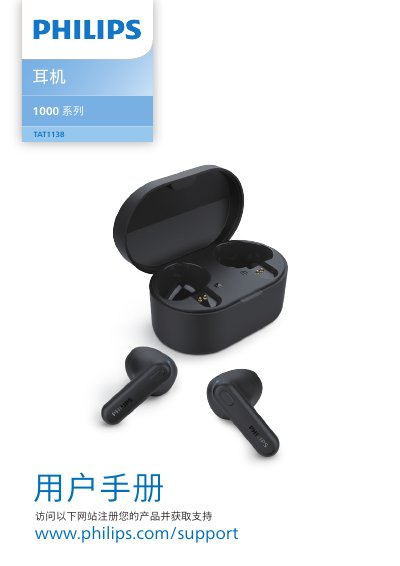
This user manual for the Philips 1000 Series TAT1138 true wireless headphones covers hearing safety, general handling information, box contents, and an overview of the earbuds and charging case. It explains charging, wearing, first-time Bluetooth pairing, pairing with another Bluetooth device, connecting, power on/off, call and music controls, voice assistant operation, and LED indicator states.
The document also gives instructions for resetting the headphones and lists technical data, notices and compliance information, trademarks, and a FAQ section. The manual text is in Chinese. This manual is written in Chinese.
| Music playback time | 5 + 10 hours |
|---|---|
| Charging time | 2 hours |
| Earbud battery | 30 mAh lithium-ion |
| Charging case battery | 250 mAh lithium-ion |
| Bluetooth version | 5.3 |
| Supported audio codec | SBC |
| Frequency range | 2.402-2.480 GHz |
| Transmitter power | < 10 dBm |
| Operating range | Up to 10 m |
| Charging port | USB-C |
A full charge through the USB cable takes about 2 hours.
Yes. When fully charged, the case can recharge the earbuds three times.
Bluetooth 5.3.
Press and hold the MFB on both earbuds for 5 seconds to enter pairing mode, then put them back in the case and take them out again.