
This product is a 5.1.2-channel speaker with Dolby Atmos and DTS:X decoding, supporting 4K HDR and Dolby Vision.
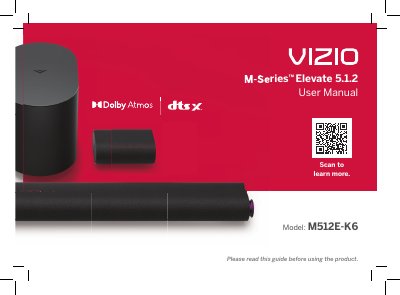
The VIZIO M512E-K6M-Series Elevate 5.1.2 User Manual covers package contents, controls and connections, first-time setup, using the remote, proper placement, and mode and level settings. It also explains Bluetooth pairing and Bluetooth mode, connecting to a voice assistant, HDMI ARC connection, subwoofer connection, and wall-mounting.
The manual includes important safety instructions, product registration and support, help and troubleshooting, frequently asked questions, limited warranty, legal and compliance information, and specifications.
| USB audio playback file formats | .WAV and .MP3 only |
|---|---|
| Maximum ambient operating temperature | 35 degree C |
| Auto VA default setting | Both |
| Eco Power Mode default setting | Off |
Hold the Bluetooth input button on the sound bar to pair.
The USB input supports .WAV and .MP3 file format playback only.
The equipment shall be used at a maximum ambient temperature of 35 degree C.
The Auto VA setting connects the sound bar to a Voice Assistant through Bluetooth (BT), AUX, Both, or OFF.