
This is a user manual for a Philips humidifier.
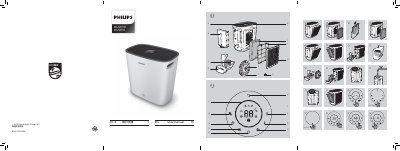
The Philips HU5930/HU5931 humidifier user manual covers safety instructions, the product and control overview, setup, operation, cleaning, filter replacement, troubleshooting, warranty, and notices. It describes the NanoCloud evaporation system, which adds water molecules to dry air through a humidification filter without forming mist.
The guide explains installing the NanoProtect filter, filling the tank with cold water, setting humidity to 40%, 50%, or 60%, choosing fan speed, setting a 1–8 hour timer, using child lock, and cleaning and descaling the humidifier. It also covers replacing the NanoCloud filter and, for HU5931 only, the antibacterial box, plus service information. This manual is written in Chinese.
| Humidity levels | 40%, 50%, 60% |
|---|---|
| Timer range | 1 to 8 hours |
| Fan speeds | 1, 2, 3, 4 (speed 4 only on HU5931) |
| Side and rear clearance | At least 20 cm |
| Top clearance | At least 30 cm |
| Water type | Cold water only |
| NanoProtect filter | FY1114 |
| NanoCloud rotating humidification filter | FY5156 |
| Antibacterial box | FY5131, HU5931 only |
You can set the desired humidity to 40%, 50%, or 60% by repeatedly tapping the humidity button.
The timer can be set from 1 to 8 hours by repeatedly tapping the timer button.
Touch and hold the child lock button for 3 seconds to activate the child lock.
Only add cold water to the water tank.