
The MP500 is a digital K song live microphone with the following features: heart-shaped指向性电容唛头,瞬时响应快、声音还原度高;支持混响调节,数字音效处理芯片,声音输出优秀;实时监听,尤其适合直播、录音、K歌用途;支持干湿两种录制模式,支持音量多档调节;致密金属防摔网头,轻质锌合金外壳,经久耐用;便携简约设计,银色精致的机身,质感高档;2500mAh大容量电池,工作时间长达30小时.
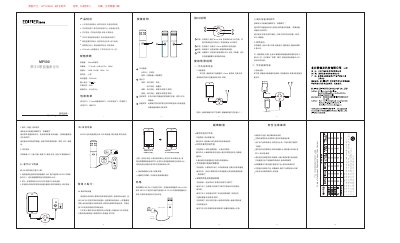
The MP500 is a digital K-song live microphone with a 14 mm condenser capsule, cardioid pickup, and 2500 mAh battery. The manual describes safety precautions, button and interface functions, recording and live streaming scenarios, troubleshooting, and specifications.
It also lists package contents and hazardous substances information for the product. This manual is written in Chinese.
| Pickup | 14 mm condenser |
|---|---|
| Sensitivity | -37±3 dB |
| Signal-to-noise ratio | 58 dB |
| Battery capacity | 2500 mAh |
| Operating time | Over 30 hours |
The battery may be low; charge it with a standard USB charging cable until fully charged.
Ensure the headphone cable is fully inserted into the microphone headphone monitoring jack or increase the speaker volume, and increase the microphone volume.
The K-song app may have voice effect processing enabled, overlapping with the microphone effects; close it or choose original sound mode.
The microphone may be in recording mode; use the app's effect processing or switch to live mode.