
The eco touch touch remote control user manual introduces safety precautions, accessories and site preparation, installation location, installation procedure, master/sub settings when using multiple remote controls, power connection and initial settings, menu items, installation settings and test run, remote control settings, indoor settings, maintenance, etc.
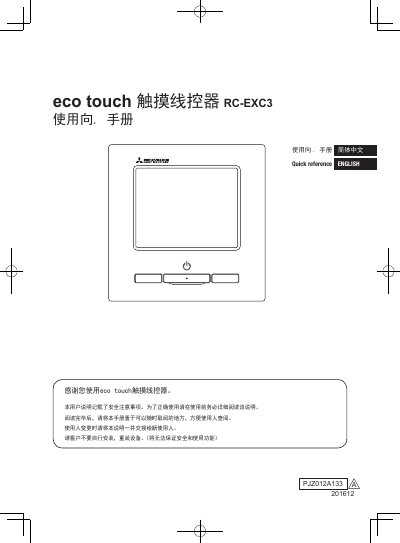
This manual is for the eco touch RC-EXC3 touch remote controller. It explains safety precautions, accessories and site preparation, installation location, and installation procedures for embedded or exposed wiring.
It also covers master/sub settings for multiple controllers, power-on and initial settings, menu items, installation settings and trial run, controller and indoor unit settings, USB connection notes, and maintenance. This manual is written in Chinese.
| Remote control cable polarity | None (X and Y terminals) |
|---|---|
| Cable length and wire size | Up to 600 m with 2.0 mm2 x 2 cores; shorter lengths use smaller wire sizes |
| USB connection | Dedicated software required; do not connect other USB devices at the same time |
| Installation clearance | Left and right upper sides 30 mm or more; bottom side 120 mm or more |
No, the X and Y terminals of the remote control cable have no polarity.
Use the table for cable lengths over 100 m: up to 200 m uses 0.5 mm2 x 2 cores, up to 300 m uses 0.75 mm2 x 2 cores, up to 400 m uses 1.25 mm2 x 2 cores, and up to 600 m uses 2.0 mm2 x 2 cores.
Yes, but use dedicated software and do not connect other USB devices and the remote controller at the same time.
Leave 30 mm or more on the left and right upper sides and 120 mm or more on the bottom side.