
This is a user manual for the UTi165H infrared thermal imager. It introduces the features and functions of the product, including safety instructions, structure, display, power on/off, menu introduction and operating instructions.
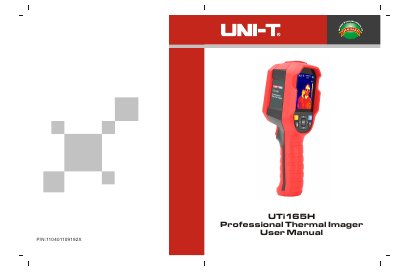
The UTi165H User Manual explains how to use the UNI-T UTi165H professional thermal imager. It covers safety instructions, structure, display, power on/off, menu introduction, and operating instructions.
The guide also describes USB communication with PC software, specifications, maintenance, and common emissivity. It includes menu procedures for temperature unit, center point and high-temperature tracking, color palette, high/low temperature alarm, and settings such as language, date and time, emissivity/temperature compensation, auto power off, brightness, temperature bar, alarm temperatures, device information, factory reset, SD card formatting, and auto save.
| Optimal measuring distance | 1 meter |
|---|---|
| Operating environment | 15°C~30°C, <85% RH (non-condensing) |
| Display size | 2.8” |
| Display resolution | 320 (vertical) x 240 (horizontal) pixels |
Press the power button for 3 seconds to power on. Press the power button for 1 second to power off.
The available color palettes are Iron Red, Rainbow, White Hot, Red Hot, and Ice Blue.
The optimal measuring distance is 1 meter.
The device language can be set to Chinese or English.