
The MB-3TL vibrating wire data recorder is a portable, battery-powered data recorder for measuring the strain of vibrating wire sensors. It can store up to 1000 readings and can be connected to a PC via a serial port.
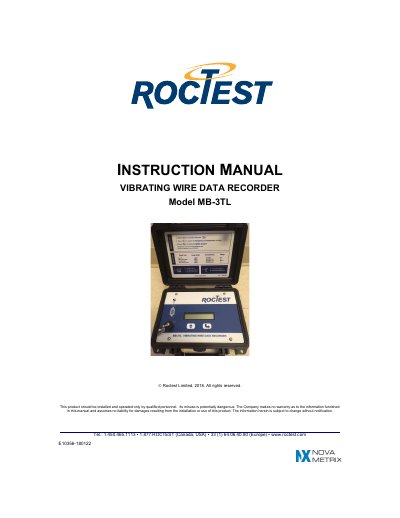
The MB-3TL is a recording readout for vibrating wire sensors. It excites the sensor at two-second intervals, displays the vibrating wire reading and temperature in degrees C, and saves readings with an ID number, date, and time. The supplied Roctest MB-3TL Manager program transfers readings to a PC and lets users change default settings.
The manual covers controls and connectors, battery replacement, taking and recording readings, choosing a sweep frequency, installing and testing the Manager program, changing settings, and retrieving or clearing stored readings.
| Battery type | Two D-cell alkaline batteries |
|---|---|
| Low-battery threshold | Below 2 V |
| Sweep A frequency range | 450 to 1125 Hz |
| Sweep B frequency range | 800 to 2000 Hz |
| Sweep C frequency range | 1400 to 3500 Hz |
| Sweep D frequency range | 2300 to 6000 Hz |
| Reading stability tolerance | Variations up to ±0.3 Hz are not considered significant |
| Sensor excitation interval | Two seconds |
| Reading ID range | 1 to 99 |
| PC serial connector | 9-pin or 25-pin |
It requires two D-cell alkaline batteries.
Change the sweep frequency to try to obtain a more stable reading.
Press Enter, choose an ID number from 1 to 99, press Enter to save the reading, then press Enter again to continue.
The Roctest MB-3TL Manager program is used to transfer readings from the recorder to a PC.