
This manual covers the installation, connection, setup using Logger Manager software, and operation of Roctest RT-VLOG series data loggers for vibrating…
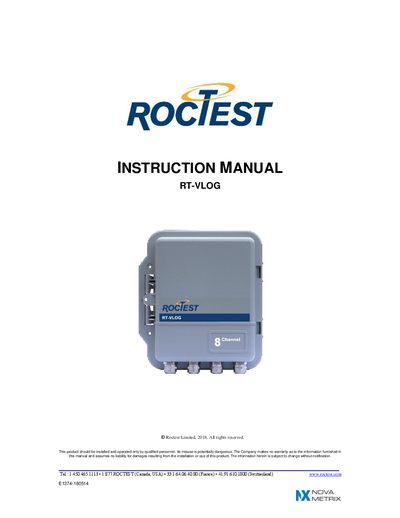
The RT-VLOG series consists of compact data loggers designed to monitor readings from vibrating wire sensors, such as piezometers, crackmeters, strain gauges, or displacement transducers. These devices support up to four or eight channels depending on the specific model purchased and are compatible with Roctest VW sensors in the 450-6000Hz range.
The RT-VLOG works in conjunction with Logger Manager software, which is available for free download.
The RT-VLOG is designed to monitor readings from vibrating wire sensors such as piezometers, crackmeters, strain gauges, or displacement transducers.
The RT-VLOG works with sensors in the range of 450 -6000Hz.
The RT-VLOG monitors readings on up to four or eight channels, depending on the model purchased.