
This document describes how to use a Casio watch.
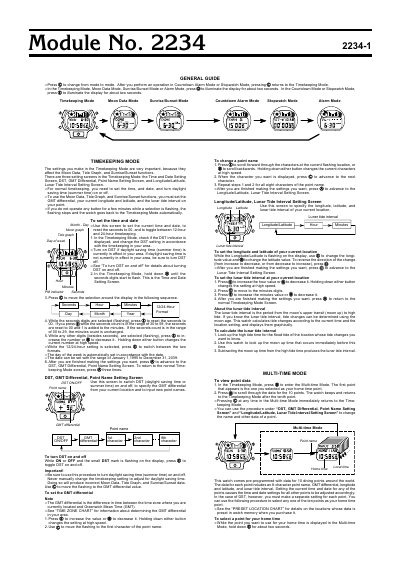
General Guide for Casio Module No. 2234 describes the watch modes and the settings used for timekeeping, moon data, sunrise/sunset, countdown alarm, stopwatch, alarm, and multi-time display.
The guide explains setting the time and date, DST, GMT differential, point names, longitude and latitude, and the lunar tide interval. It also describes selecting a home time point and viewing point data for the watch's preset locations.
| Module number | 2234 |
|---|---|
| Preset diving points | 10 |
| Point name length | 8 characters |
| Date setting range | January 1, 1995 to December 31, 2039 |
| Display illumination duration | about two seconds |
In Timekeeping Mode, hold down the button until the seconds digits flash, then use the button to move through the settings and adjust the values.
It is the time difference between your current time zone and Greenwich Mean Time.
The watch comes pre-programmed with data for 10 diving points around the world.
Subtract the moon up time immediately before the high tide from the high tide time.