
This document describes how to operate the FURUNO GP-33 W3D GPS Navigator.
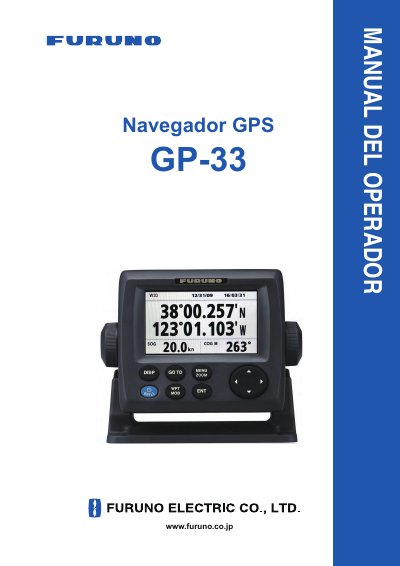
The FURUNO GP-33 W3D GPS Navigator operator's manual covers controls, power on/off, LCD and panel brightness, display modes, the menu, and the MOB mark. It also describes the plotter display, waypoints, routes, destinations, alarms, other functions, maintenance and troubleshooting, and installation.
The text lists features including a high-resolution color LCD, WAAS, storage for more than 10,000 waypoints, 100 routes and 3,000 track points, and alarms for arrival/anchor, XTE, trip, odometer, time, WAAS and speed. It also describes the MOB function, highway display, user-programmable navigation data, autopilot data output, and upload/download of route and waypoint data to a PC. This manual is written in Spanish.
| Display | High-resolution color LCD |
|---|---|
| Waypoint storage | More than 10,000 waypoints |
| Route and track storage | 100 routes and 3,000 track points |
| Alarms | Arrival/anchor, XTE, trip, odometer, time, WAAS, speed |
| Power supply | 12-24 VDC |
| Compass safe distance | 0.65 m from master compass; 0.45 m from steering compass |
The manual states storage for more than 10,000 waypoints.
The listed alarms are arrival/anchor, XTE, trip, odometer, time, WAAS and speed.
The manual gives 0.65 m from the master compass and 0.45 m from the steering compass.