
This manual provides installation instructions for the Furuno GP-3700 GPS Plotter, covering mounting, wiring, and system setup.
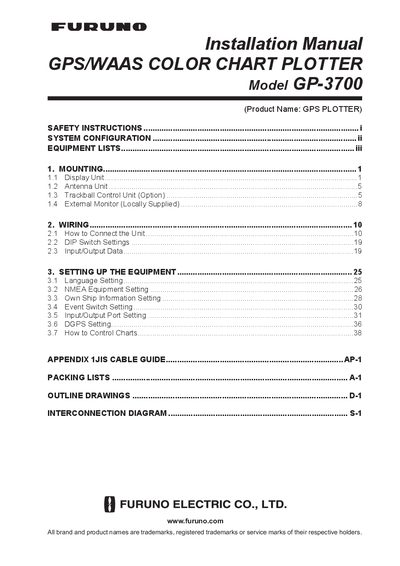
The document serves as an installation guide for the Furuno GP-3700 GPS/WAAS Color Chart Plotter. It details safety precautions regarding electrical shock and magnetic interference, along with a complete list of standard and optional equipment required for operation.
The manual provides step-by-step instructions for mounting the display unit in various configurations, including desktop, overhead, and flush mounting within a console. It also covers wiring procedures for connecting NMEA0183 and NMEA2000 devices, configuring DIP switches, and setting up system parameters such as language and own ship information.
| Operating Temperature Range | -15°C and +55°C |
|---|---|
| Power Supply (Standard) | 12-24 VDC |
| AC Power Input | 100/110/220/230 VAC 1ø, 50/60Hz |
The unit should be at least 1.15 m from a Standard compass and 0.75 m from a Steering compass to prevent interference.
Yes, but an optional flush mount kit (OP14-83) is required for this installation method.
Water entering through the trackball clearance is drained out via a drain hole located on the bottom of the unit.