
This manual introduces the hardware installation, software installation, network deployment, use and configuration of the 5MP network camera.
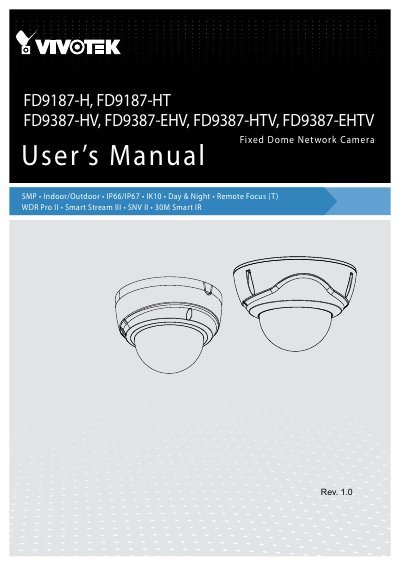
The FD9187/FD9387 series is a camera line that comes embedded with the Smart Motion Detection feature, including Human detection to reduce false alarms from light changes, vegetation, vehicles, or animals.
The FD9387 series is an outdoor bullet network camera capable of 2560 x 1944 resolution at 30 fps. It uses VIVOTEK SNV and WDR Pro technology and Smart IR II technology that increases the IR effective range up to 30 meters.
| Image resolution | 2560 x 1944 |
|---|---|
| Frame rate | 30 fps |
| IR effective range | Up to 30 meters |
| PoE power consumption | Max. 24W |
| DC input current | 2.5A at 12V |
The FD9387 series is capable of 2560 x 1944 resolution at 30 fps.
The IR illuminators increase the effective range up to 30 meters.
The E suffix indicates a model with a heater for extreme weather.
It requires an 802.3at PoE switch or 12V/24V 2A power.