
This headset can be connected to PC, PlayStation®4/5 and NINTENDO SWITCH™. The headset has a microphone and can adjust the volume and turn on/off the noise reduction function.
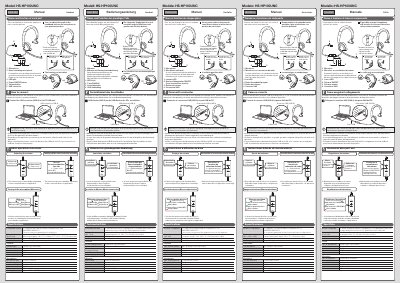
The HS-HP100UNC is a foldable USB headset with a dynamic monaural speaker, a 40 mm driver, and a noise-cancelling microphone. The document lists compatibility with PCs that have a USB-A terminal, PlayStation 4/5, and Nintendo Switch, and notes that functions cannot be guaranteed for all devices.
The manual explains the names and functions of parts, USB connection, volume adjustment, microphone mute, and turning off the noise reduction function. It also gives specifications such as approximate dimensions and weight, cable length, speaker and microphone frequency responses, and microphone input sensitivity.
| Compatible models | PC with USB-A terminal, PlayStation 4/5, Nintendo Switch |
|---|---|
| External dimensions | Approx. 180 × 70 × 190 mm (excluding cable) |
| Folded dimensions | Approx. 180 × 70 × 120 mm (excluding cable) |
| Cable length | Approx. 1.9 m |
| Weight | Approx. 165 g (excluding cable) |
| Speaker type | Dynamic type (monaural) |
| Driver unit | Diameter 40 mm |
| Maximum input | 20 mW |
| Headset frequency response | 20 to 20,000 Hz |
| Microphone type | Electret condenser |
| Microphone directionality | Unidirectional |
| Microphone input sensitivity | -42 dB ± 3 dB |
| Microphone frequency response | 100 to 8,000 Hz |
| Microphone arm length | Approx. 145 mm |
The manual lists PCs with a USB-A terminal, PlayStation 4/5, and Nintendo Switch, but says functions cannot be guaranteed for all devices.
Connect the USB connector (USB A) to the PC USB port.
The manual says to connect it directly to the PC USB port; a USB hub may not work properly.
The red light means the microphone is off.