
This manual explains how to use the CASIO EXILIM EX-ZR500 digital camera.
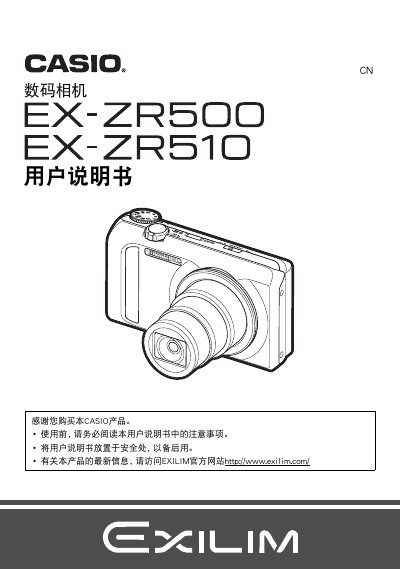
This Chinese-language user manual for the Casio EXILIM digital camera explains basic preparation, including charging the battery and loading a memory card, then describes snapshot and movie shooting, playback, and menu settings.
The manual also covers printing, using the camera with a computer, other settings, and an appendix with safety notes, troubleshooting, and specifications for the NP-130A/NP-130 battery and AD-C54UC USB-AC adapter. This manual is written in Chinese.
| Lithium-ion rechargeable battery rated voltage | 3.7 V |
|---|---|
| Lithium-ion rechargeable battery rated capacity | 1800 mAh |
| USB-AC adapter input voltage | 100 to 240 V AC |
| USB-AC adapter output | 5.0 V DC, 650 mA |
| Lithium-ion rechargeable battery dimensions | 37.8 × 44.8 × 11.2 mm |
| USB-AC adapter dimensions | 64.6 × 38.4 × 24 mm |
| USB-AC adapter weight | Approx. 40 g |
The manual lists the NP-130A or NP-130 lithium-ion rechargeable battery.
The specified USB-AC adapter is the AD-C54UC.
The rated output is 5.0 V DC, 650 mA.
The rated voltage is 3.7 V.