
This document introduces the operation instructions of the watch, including time setting, date setting and daylight saving time setting.
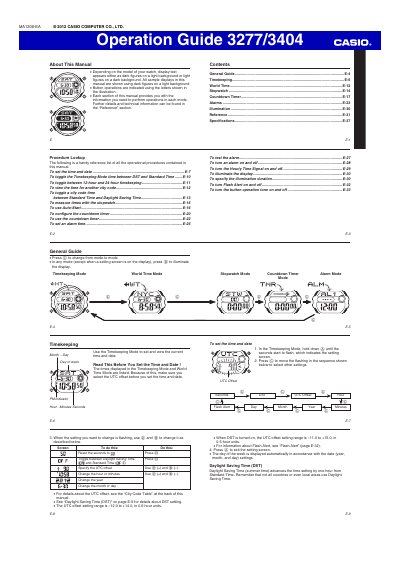
This Operation Guide provides instructions for the CASIO MA1206-EA watch, detailing how to navigate between modes such as Timekeeping, World Time, Stopwatch, Countdown Timer, and Alarm. It explains button operations for setting time, date, and various features like Daylight Saving Time and 12/24-hour formats.
| Countdown Timer range | one minute to 24 hours |
|---|
In the Timekeeping Mode, press the button labeled 'A' to toggle between 12-hour timekeeping and 24-hour timekeeping.
With Auto-Start, the watch performs an 8-second countdown and the stopwatch operation starts automatically when the countdown reaches zero.