
The manual introduces the features of the Hamilton PSR watch, including time display, time illumination, and time setting.
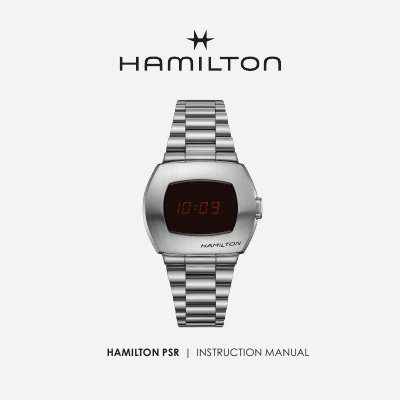
This instruction manual for the Hamilton PSR watch describes the standard time display, which uses the AM/PM time system, and the push-button illumination feature. It explains that the display returns to standard mode after 4 seconds if no other action is taken.
The manual then walks through time-setting mode, including hour, minute tens, minute units, and seconds settings, with numbered steps and push-button actions. It also covers the battery end-of-life indicator and advises going to a HAMILTON approved maintenance centre or point of sale for battery changes.
| Time display system | AM/PM |
|---|---|
| Time illumination timeout | 4 seconds |
| Battery end-of-life indicator | "bat" displayed |
Briefly press the push-button; the time is illuminated and the display returns to standard mode after 4 seconds if no other action is taken.
Press and hold the push-button for 3 seconds.
While the time is illuminated, press the push-button again.
Go to a HAMILTON approved maintenance centre or a HAMILTON point of sale.