
This manual provides operating instructions for the FLIR MR160 moisture meter, including product features, safety precautions, and measurement methods.
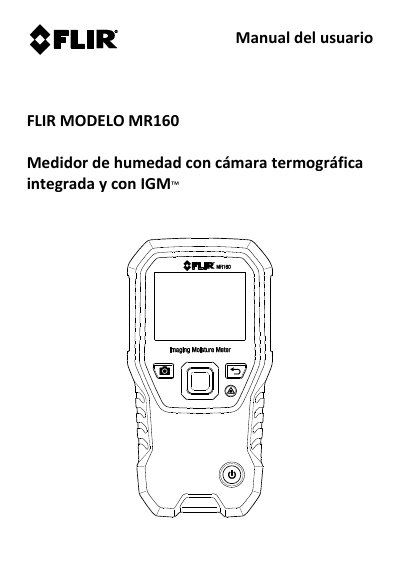
The FLIR MR160 is a moisture meter with an integrated thermal imaging camera and IGM (Infrared Guided Measurement). It integrates a pinless internal moisture sensor and an external pin-type probe (MR02), and can save measurements and images for later transfer to a PC, with reports generated using FLIR Tools software for PC.
The manual describes the meter parts and controls, menu structure, and operation, including moisture measurement modes, thermal camera modes, palette auto-scale lock, screenshot capture, combination feature, high moisture alarm, and configuration menu. It also covers maintenance, battery charging, firmware update, specifications, technical support, material groups, and warranty. This manual is written in Spanish.
| Thermal sensor | FLIR Lepton microbolometer with Focal Plane Array (FPA) and integrated shutter |
|---|---|
| External probe | MR02 pin-type moisture probe |
| Material groups | 9 selections for pin-based readings |
Press and hold the power button to turn the meter on or off.
Moisture modes include material groups, pin mode, pinless mode, and setting a reference.
Yes. It can save measurements and images for later transfer to a PC, and reports can be generated with FLIR Tools software for PC.