
This is an abbreviated Installation Manual, addressing wiring and programming of the GT Series.
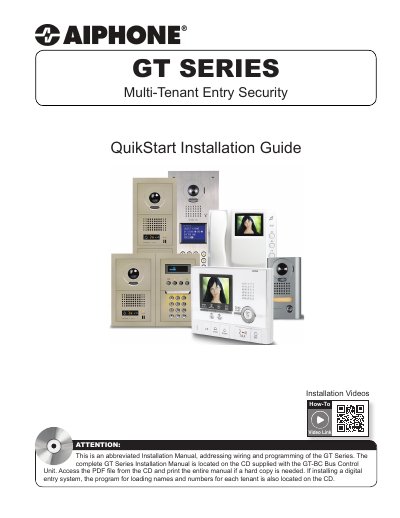
This is an abbreviated Installation Manual for the Aiphone GT Series, addressing wiring and programming of the GT Series multi-tenant entry security system. The complete GT Series Installation Manual is located on the CD supplied with the GT-BC Bus Control Unit, and the program for loading names and numbers for each tenant for a digital entry system is also located on the CD.
The guide includes system wiring for audio-only and audio/video entrance stations, expanded system options, loop and homerun wiring methods, wire distance and wire type information, and DIP switch settings for entrance stations, including entrance ID, guidance language, message, room number display, entrance monitoring, and camera view settings.
| Max. wire distance from distribution point to any tenant | 980’ |
|---|---|
| Max. cumulative wire distance | 8200’ |
| Wire type | 872002 20AWG 2 Cond. Solid Non Shielded PE Insulated |
| Stations per loop / trunk | 25 |
| Tenants per GT-VBC | 25 per trunk and 125 total |
The complete GT Series Installation Manual is located on the CD supplied with the GT-BC Bus Control Unit.
No. Do not mix loop and homerun wiring methods on the same trunk.
SW1 switch must be set to A on the last monitor in the wire loop.