
Introduces how to use the BP-10C20/BP-20C20/BP-20C25 digital full color multifunctional system.
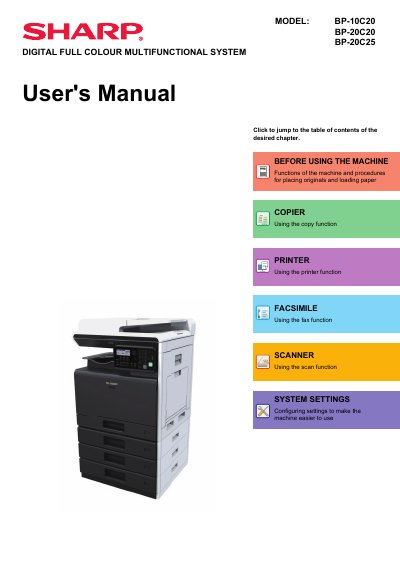
This user's manual explains how to use the BP-10C20/BP-20C20/BP-20C25 digital full colour multifunctional system from Sharp. It opens with the parts of the machine, the operation panel and display, peripheral devices, turning on the power and the Eco functions, then covers loading paper in the trays and bypass tray, placing originals on the automatic document feeder or document glass, and routine maintenance such as cleaning, replacing the toner cartridge and emptying the waste toner box.
The remaining chapters are organised by function: copier, printer, facsimile and scanner, followed by system settings for configuring the machine. The manual notes that driver and software installation is described in a separate Software Setup Guide, that the Windows screen explanations are primarily for Windows 10 and the Macintosh ones based on macOS 10.12, and that the fax function is not available in some countries and regions.
| USB port (A type) | USB 2.0 (Hi-Speed) |
|---|---|
| Tray 2 paper capacity (optional 500-sheet paper feed tray) | 500 sheets |
| Optional paper drawer | Stand/2x500 sheet paper drawer |
| Fax line connection | Telephone line socket (LINE) |
| Network connection | LAN connector (shielded LAN cable) |
The manual contains references to the fax function, but it notes that the fax function is not available in some countries and regions.
Hold down the [COPY] key while the machine is in the standby state; the counts for copy, print and fax modes appear while the key is held down.
The explanations of screens and procedures in a Windows environment are primarily for Windows 10, and the Macintosh explanations are based on macOS 10.12.
The toner cartridge contains toner, and when the toner in a cartridge runs out it should be replaced with a new one.