
This document is a user manual for GPS tracker ST-906, which introduces the features of the product, including installation, setting, working mode, etc.
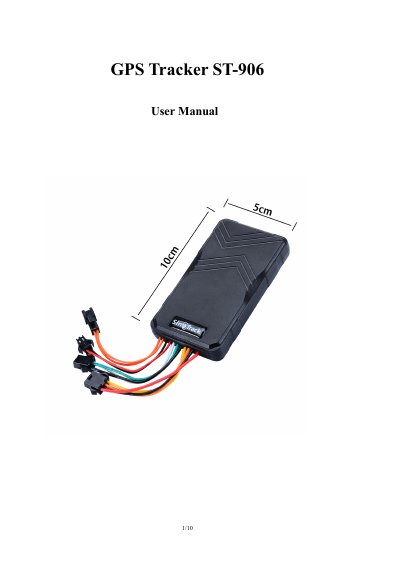
This manual describes the SinoTrack ST-906 GPS tracker. It explains the LED indicators for GPS and GSM status, the default password 0000, the default normal working ACC mode, alarm delivery to up to three control numbers and battery levels from 1 to 5. Installation notes cover placing the GPS antenna toward clear sky and connecting the wires.
The functions section lists SMS commands for setting control numbers, choosing SMS or GPRS mode, changing the password, getting a Google location link, changing the time zone, daily location reporting, geo fence, over speed and shock alarms, mileage, call mode, cutting and recovering the engine, APN, IP and port, and upload intervals. It also gives login details for online tracking and the RESTART and RCONF commands.
| Working modes | SMS and GPRS |
|---|---|
| Default password | 0000 |
| Default mode | Normal working (ACC Mode) |
| Battery level indication | 1 to 5; 5 is 100%, 1 is 20% |
| ACC on upload interval (default) | 20 seconds |
| ACC off upload interval (default) | 300 seconds |
| Minimum GPRS upload interval | 10 seconds |
| Over speed alarm range | 0 to 999 km/h |
The default password is 0000.
Send the command 700 plus the password; the tracker replies SET OK and changes to SMS mode.
Send command 669 plus the password; the ST-906 sends back the location with a Google link.
Log in from www.sinotrack.com or http://103.243.182.54.