
This manual provides operating instructions for SinoTrack ST-905, ST-915, and ST-925 GPS trackers, covering hardware setup, SMS commands, alarm settings…
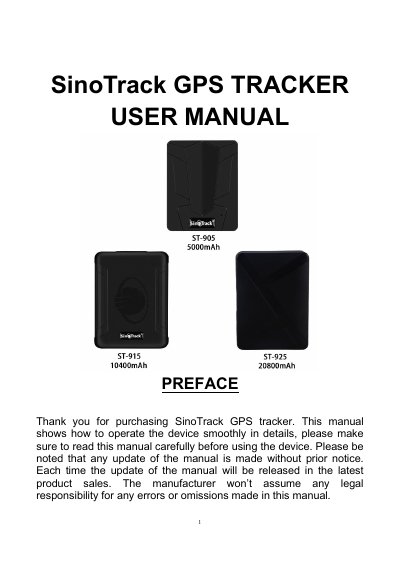
This user manual details the operation of the SinoTrack GPS Tracker series (models ST-905, ST-915, and ST-925). It covers hardware descriptions, including indicator light meanings and SIM card installation, as well as device activation procedures. The guide explains how to configure working modes such as 'WORK', 'MOVE', and 'STANDBY' via SMS commands to optimize battery life and functionality.
| GPS Accuracy | 5m |
|---|---|
| Charging Input | DC 5V==1.0A |
| Battery Capacity (ST-905) | 3.7V 5000mAh |
| Battery Capacity (ST-915) | 3.7V 10400mAh |
| Battery Capacity (ST-925) | 3.7V 20800mAh |
| Network Bands | 850/900/1800/1900Mhz |
| GPS Sensitivity | -159dBm |
| Operating Temperature | -20° C to +55° C |
Send the command 'phone number +password 1' to the tracker, where the phone number is your own mobile number.
The factory default setting is 'MOVE' mode, which means the tracker only works when it is moving.
Send the command '1220000 0' to the tracker to cancel the over-speed alarm setting.
Check if the APN is correctly set and find the correct APN content for your SIM card provider.