
This manual details the functions and operations of the ST-901
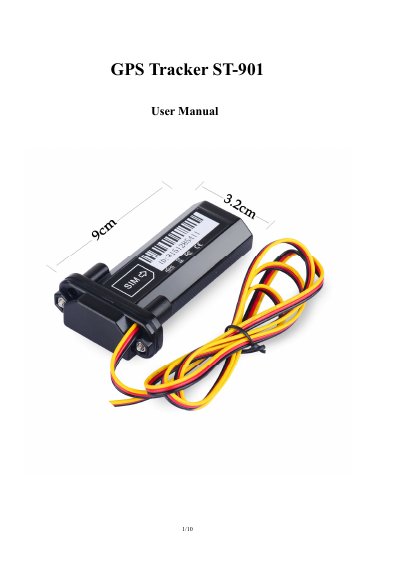
This manual explains how to configure and operate the Sinotrack ST-901 GPS tracker. It covers setting control numbers, switching between SMS and GPRS modes, changing passwords, and configuring alarms for speed, shock, and low battery. The device can send location data via SMS or GPRS, and users can monitor it online through the Sinotrack website or app.
Commands are sent via SMS or by calling the tracker’s SIM card. Features include geofencing, over-speed alerts, and configurable time intervals for location updates. The tracker also supports APN and IP/port settings for custom network configurations.
| Default Password | 0000 |
|---|---|
| Default Working Mode | Normal working (ACC Mode) |
| Battery Level Indicators | 5=100%, 4=80%, 3=60%, 2=40%, 1=20% |
| Default Time Zone | E00 (East, UTC+0) |
| Default GPRS Upload Time | 20 seconds |
| Default ACC Off Time Interval | 300 seconds |
Send command 669+password to get the GPS data and receive a Google Maps link.
Send command 143+password to read the current total mileage in meters.