
This manual provides detailed instructions on how to use the Oscilloscope, including safety precautions, package contents, side panel, rear panel, top panel, front panel, power switch, display screen, basic operations of touch screen, mouse operation, connecting probe, using Auto, loading factory settings, using auto-calibration, passive probe compensation, and modifying language.
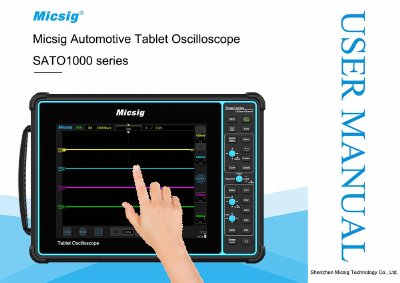
This manual provides detailed instructions for using the Micsig oscilloscope, including safety precautions, quick start guide, panel controls, and operation via touch screen or buttons. It also covers automotive diagnostics such as charging circuits, sensor tests, actuators, ignition systems, and network protocols. The manual includes sections on horizontal and vertical system adjustments, trigger settings, and battery usage. Accessories and optional components are listed in the annex. This manual is written in Chinese.
It takes 6 hours to be fully charged.
The manual recommends turning off the oscilloscope to save charging time.
The battery level indicator in the lower right corner of the screen indicates battery usage.
A power adapter (12V DC, 4A) is listed as a standard accessory.