
The document introduces the functions and usage methods of ifm System Solutions App data collection (AP3052), including scanning the AS-i network connected to AC14 according to specific IO modules as well as the devices connected there, finding the devices and selecting, converting and labeling up to 100 process data collected from the connected devices, cyclically storing the selected process data on SD memory card in a time frame of >= 1 minute, cyclically transferring the selected process data to LINERECORDER SMARTOBSERVER in a time frame of >= 1 minute, transferring the process data on the fieldbus interface of the AC14 and optionally through an integrated Modbus/TCP Server on the programming interface, once every minute, registering the identification data or serial number of connected devices, and supporting both AS-i circuits if available. The document also introduces the prerequisites for using the App, including at least one AS-i module (IO-Link or analogue) connected to AS-i master 1 of AC14, the system needs to be correctly projected, and the App's version information, URL, languages and usage restrictions.
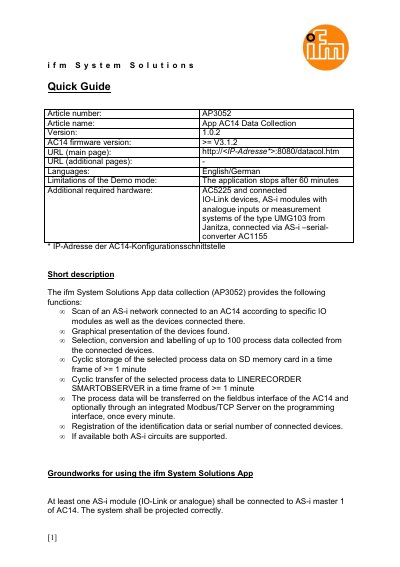
This guide explains how to use the ifm AP3052 app to scan AS-i networks, configure process data, and store or transfer data. The app requires an AC14 with firmware >= V3.1.2 and at least one AS-i module. Data can be stored on an SD card or sent to LINERECORDER SMARTOBSERVER. The app supports English and German, and includes login and configuration settings.
| App Version | 1.0.2 |
|---|---|
| AC14 Firmware Version | >= V3.1.2 |
| Data Storage Interval | >= 1 minute |
| Data Transfer Interval | >= 1 minute |
| Maximum Process Data | 100 |
| Supported Languages | English/German |
| Demo Mode Duration | 60 minutes |
The AC14 firmware version must be >= V3.1.2.
Up to 100 process data can be selected, converted, and labeled.
The app supports English and German.