
This is the user manual for Nokia E63 mobile phone. It mainly introduces the usage methods and functional characteristics of the phone, including safety issues, network services, finding help information, main functions, buttons and components, setting your device, first start, getting started, E series new features, phone settings, voice calls, messages, Internet, media applications, personalized settings, Nokia office tools, connectivity, security and data management, settings, shortcuts, vocabulary, Nokia original accessories, batteries, troubleshooting and other contents.
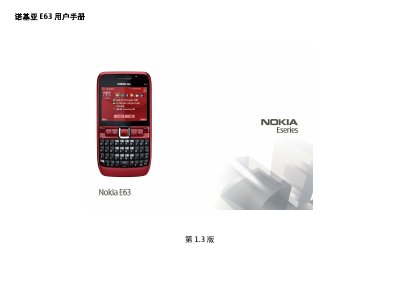
This document is the Chinese user manual for the Nokia E63 mobile phone. It covers device setup, first use, calls, messaging, internet and travel features, media applications, personalization, office tools, connectivity, security and data management, and settings.
It also includes safety information, troubleshooting, accessories, and an index. This manual is written in Chinese.
| Supported networks | (E)GSM 850, 900, 1800, 1900 and UMTS 850/2100 |
|---|
The device supports (E)GSM 850, 900, 1800, 1900 and UMTS 850/2100 networks.
Use the Nokia Software Updater PC application with a compatible PC, broadband internet access, and a compatible USB data cable.
Help is available through the Help application, the user manual, and Nokia support websites.
Restart the device by switching it off, removing the battery, reinstalling it after about one minute, and switching it on.