
Comway Web Cloud Printing API is an application programming interface provided by Comway Cloud Printing. It supports websites/business systems calling for cloud printing output and querying printer status.
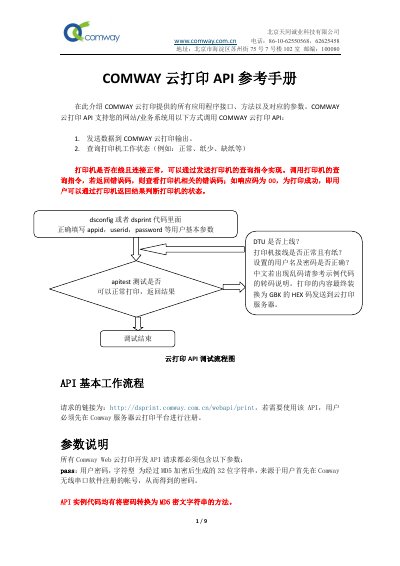
The COMWAY Cloud Printing API Reference Manual describes the application programming interfaces, methods, and parameters provided by COMWAY Cloud Printing. It explains how a website or business system can send data to a printer and query printer status.
The document covers the basic API workflow, required parameters such as appid, dtuid, pass, msgdetail, and timeout, request examples, response status codes, printing tips, one-dimensional barcode printing, and PHP API files and calls. It also describes API testing and error resolution. This manual is written in Chinese.
| API request URL | http://dsprint.comway.com.cn/webapi/print |
|---|---|
| Default request timeout | 30 seconds |
| Print data encoding | GBK |
| Password format | 32-character MD5-encrypted string |
| Printer configuration support | Mixed brands of serial printers |
The request URL is http://dsprint.comway.com.cn/webapi/print.
The default timeout is 30 seconds.
The password is sent as a 32-character string generated by MD5 encryption.
Status code 08 means the DTU is offline.