
User manual for Comway wireless serial port software, enabling wireless data communication between serial devices and computers via 4G/2G DTUs using Alibaba…
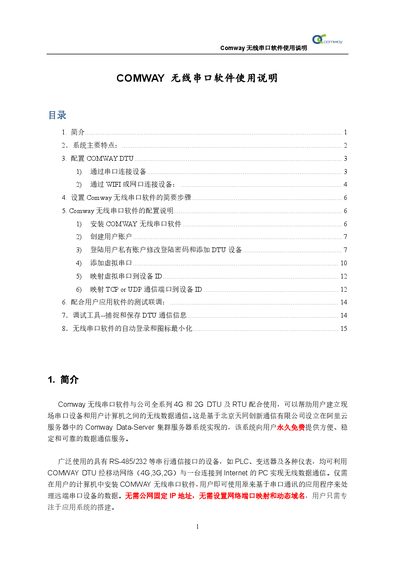
This manual describes the Comway Wireless Serial Port Software, which facilitates wireless data communication between on-site serial devices (such as PLCs, transmitters, and instruments) and user computers. The software operates on a cluster server system hosted on Alibaba Cloud, providing stable and reliable data communication services without the need for a public fixed IP address or port mapping. It supports various communication methods including TCP, UDP, and serial communication, and offers API and WEB cloud communication interfaces for application development and device monitoring. This manual is written in Chinese.
The default settings are a baud rate of 115200, 8 data bits, 1 stop bit, and no parity.
The default IP address to enter is 192.168.1.251.
The username is 888888 and the password is 666666.
The default server address is ds.fusionunix.com and the port number is 9000.