
Comway wireless serial port software can help users establish wireless communication channel between remote serial port devices and user computers. No need for public IP address or network port mapping, dynamic domain name mapping and other specific problems
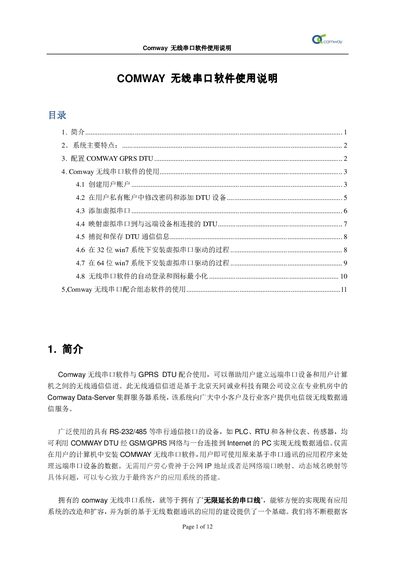
The Comway wireless serial software works with GPRS DTU units to create a wireless communication channel between remote serial devices (PLC, RTU, sensors) and a PC. The software connects to the Comway Data‑Server cluster hosted by Beijing Tiantong Chengye Technology, providing telecom‑grade data service without the need for static IP, port mapping, or dynamic DNS.
The guide covers system features, DTU configuration, user account management, virtual serial port creation, mapping to remote devices, and integration with SCADA/automation software. Installation steps for virtual‑serial drivers on both 32‑bit Windows 7 and older XP systems are also provided. This manual is written in Chinese.
| Baud rate | 115200 |
|---|---|
| Server address | ds.fusionunix.com |
| Server port | 9000 |
| Work mode | Auto connect |
Select the desired DTU, choose “添加虚拟串口”, pick an available COM port (e.g., COM12); the mapping appears in the DTU’s status line.