
UniOP family of HMI panels are available in more than 100 configurations - providing you with the flexibility to meet the requirements of your application and your budget. UniOP HMI panels range from simple Entry Level HMI Products to High End Graphical Workstation with a choice of to
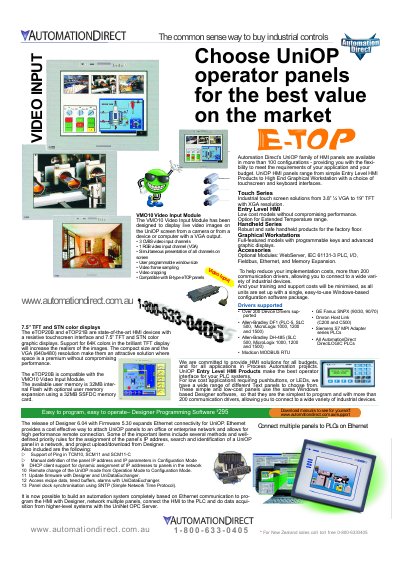
The document introduces the AutomationDirect UniOP family of Human-Machine Interface (HMI) panels, available in over 100 configurations ranging from Entry Level HMI products to High End Graphical Workstations. These panels offer flexible touchscreen and keyboard interfaces suitable for various industrial applications and budgets.
| Supported Device Drivers | Over 200 Device Drivers supported |
|---|---|
| Supported PLCs | Allen-Bradley DF1, DH-485, Modicon MODBUS RTU, GE Fanuc SNPX, Siemens S7 MPI, DirectLOGIC |
| VMO10 Video Input Channels | 3 CVBS video input channels, 1 RGB video input channel (VGA) |
| eTOP20B Display Resolution | VGA (640x480) |
| eTOP20B Display Colors | 64K colors |
| eTOP20B Internal Flash Memory | 32MB |
| Optional Memory Expansion | 32MB SSFDC memory card |
Yes, the release of Designer 6.04 with Firmware 5.30 expands Ethernet connectivity for UniOP panels, allowing high performance remote connections.
The UniOP family includes Entry Level HMI Products, Handheld Series, and Graphical Workstations with programmable keys and advanced graphic displays.