
Automation Direct Ethernet Communications Modules User Manual

Describe how to use Ethernet Communications Modules of Ananlog Devices
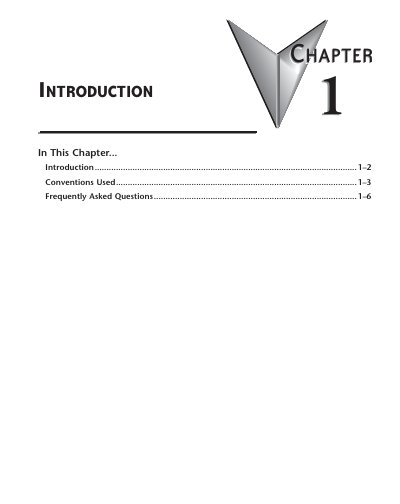

Automation Direct Ethernet Communications Modules User Manual - cover page
Brand
Automation Direct
Category
Industrial Robot
Document type
User Manual
Language
English
Pages
6
File format
PDF
File size
300 KB
Published
20 October, 2023
Updated
20 October, 2023
MD5 checksum
F24351EEEA0BE2A1ED4D57B3899A98E1

About this manual

This manual describes how to use Ethernet Communication (ECOM) Modules to establish high-speed communication links between DirectLOGIC PLCs and PCs or other PLCs. It covers network layouts, PC-to-PLC and PLC-to-PLC communications, and includes RLL programming examples.

What's inside

  • Introduction
  • Conventions Used
  • Frequently Asked Questions
  • ECOM Module Introduction
  • ECOM Communication Possibilities
  • Getting Started
  • Specifications
  • General Information

Frequently asked questions

How can I speed up my ECOM communications?

Try shortening the scan time of the PLC (the PLC allows only one ECOM transaction per scan).

Can an ECOM be configured to talk through a gateway?

Yes, you configure the gateway to reroute traffic to and from the ECOM via port 7070 (hex).

Can the MAC address be changed?

No, the MAC address is burned into ROM on the module and is set just before it leaves the factory.

Download PDF (300 KB)

More Automation Direct Manuals


View all Automation Direct manuals →