
This manual provides information about how to install, set up, program, troubleshoot, and maintain your AutomationDirect CLICK PLC system, including information that is critical to the safety of the personnel who will install and use the PLC, and to the machinery, processes, and equipment controlled by the PLC.
This Hardware User Manual covers the complete lifecycle of the CLICK PLC system, including installation, setup, programming, troubleshooting, and maintenance. It contains critical safety information regarding personnel, machinery, and processes controlled by the PLC, as well as details on power and signal wiring, mounting, and system configuration.
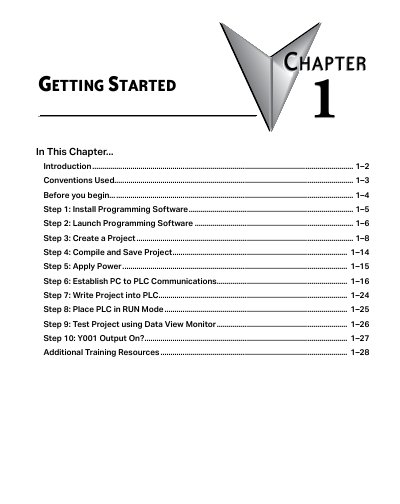
The manual includes a "Getting Started" chapter that guides users through a ten-step process to begin using the system. These steps range from installing the free CLICK Programming Software (CO-PGMSW) and creating a project to establishing PC-to-PLC communications and placing the unit in RUN mode. It also lists recommended tools and items required before beginning, such as a 24VDC power supply, PC with appropriate ports, and programming cables.
This manual provides information to help you install, set up, program, troubleshoot, and maintain your CLICK PLC system.
The recommended minimum screen size for the CLICK Programming Software is 1024 X 786 pixels.
The command for a silent install is CLICK_Setup.exe -s.