
Sky-Watcher CQ350-PRO Mount Instruction Manual

This is an instruction manual for a telescope. It details how to set up, focus, and use the telescope.
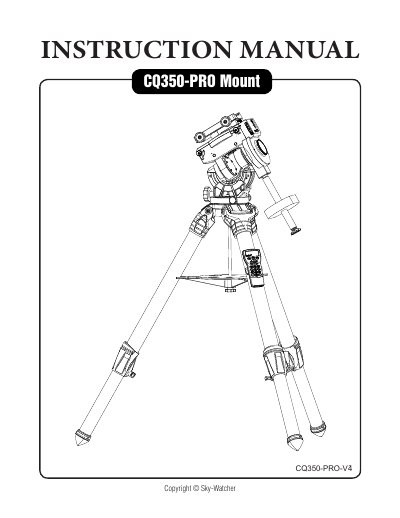

Sky-Watcher CQ350-PRO Mount Instruction Manual - cover page
Brand
SKY-WATCHER
Category
Other products
Document type
User Manual
Language
English
Pages
16
File format
PDF
File size
10.7 MB
Published
31 October, 2023
Updated
31 October, 2023
MD5 checksum
F7999A1F1BC71201220C8DF5AD152540

About this manual

The Sky-Watcher CQ350-PRO Mount instruction manual covers tripod setup, mount installation, counterweights, RA and DEC clutch operation, telescope installation, balancing, and polar alignment.

It also describes the electronic control interface and features such as SynScan telescope control, batch exposures, auto-home, and hard stops, plus mount dimensions in the appendix.

What's inside

  • Setting Up the Tripod
  • Installing the CQ350-PRO Mount on the Tripod
  • Installing the Counterweights
  • Operation of the RA and DEC Clutch
  • Installing the Telescope
  • Balancing the Mount
  • Polar Alignment
  • Electronic Control Interface
  • Features of the CQ350-PRO Mount
  • Dimensions

Specifications

Mount dimensionsØ186, 323, 434, 176

Frequently asked questions

What control options does the CQ350-PRO mount support?

The mount can be controlled with a SynScan hand controller, SynScan Pro apps for Windows, Android, or iOS, and all options support the ASCOM telescope control platform.

Does the CQ350-PRO mount have hard stops?

Yes, it has internal hard stops for both the R.A. axis and the declination axis.

What does the SNAP port do?

The SNAP port can control the shutter release of a camera for batch exposures.

How many counterweights are included?

The packing list includes two counterweights.

Download PDF (10.7 MB)

More SKY-WATCHER Manuals


View all SKY-WATCHER manuals →