
Key facts
- Manuals
- 3
- Languages
- EN
- Last added
- 2026-10-22
Featured SKY-WATCHER manuals
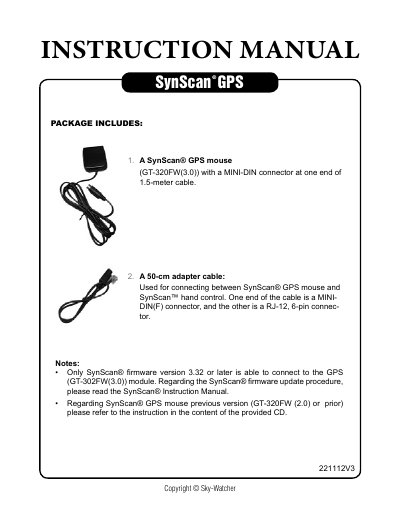
Sky-Watcher SynScan GPS 221112V3 Instruction Manual
This document serves as an instruction manual for the SynScan GPS 221112V3, detailing the connection between the SynScan GPS mouse (GT-320FW(3.0)) and the SynScan hand control. It outlines the necessary steps for firmware updates, ensuring compatibility with version 3.32 or later, and describes the physical connection using an adapter cable.
Covers: Package Includes · Firmware Update · Connecting the Adapter · Power Supply · Initializing the System · GPS Signal Fixing
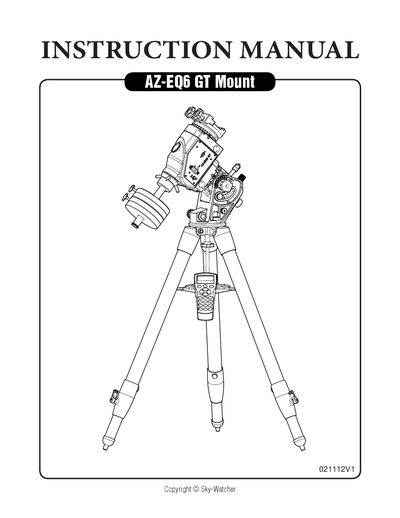
Sky-Watcher AZ-EQ6 GT Mount Instruction Manual
The document serves as a comprehensive instruction manual for the Sky-Watcher AZ-EQ6 GT mount. It details the step-by-step process of assembling the tripod, attaching the mount head, installing counterweights, and securing the telescope. The guide also covers essential operational procedures such as manually rotating the axes, adjusting elevation, and switching between equatorial and alt-azimuth modes.
Covers: Setting Up the Tripod · Putting On the AZ-EQ6 GT Mount · Installing Counterweights · Installing the Telescope · Balancing the Mount · Using the Dials
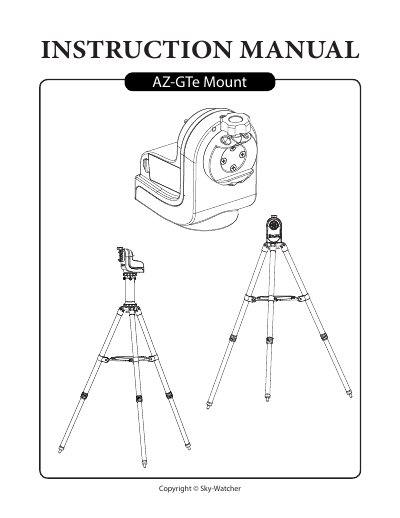
Sky-Watcher AZ-GTe Mount User Manual
This manual guides users through setting up the AZ-GTe mount on tripods or camera tripods, attaching telescopes, and controlling the mount via hand controllers or mobile apps. It includes details on power requirements, Wi-Fi setup, firmware updates, and observing tips such as cooling the telescope and adapting eyes for optimal viewing. The mount supports up to 5kg payload and features a built-in Wi-Fi access point for app-based control.
Covers: Setting Up the AZ-GTe Mount · Electronic Control Interface · Using the AZ-GTe Mount · Assembling Your Telescope · Operating Your Telescope · Observing the Sky
Latest SKY-WATCHER manuals
Sky-Watcher SynScan GPS 221112V3 Instruction Manual
User Manual 5 pages · 351 KB · ENThis manual provides instructions for connecting and using the SynScan GPS mouse (GT-320FW(3.0)) with the SynScan hand control, including firmware updates…
Sky-Watcher AZ-EQ6 GT Mount Instruction Manual
User Manual 20 pages · 2.8 MB · ENThis manual provides instructions for setting up, using, and performing polar alignment on the Sky-Watcher AZ-EQ6 GT equatorial mount.
Sky-Watcher AZ-GTe Mount User Manual
User Manual 23 pages · 2.8 MB · ENUser manual for the Sky-Watcher AZ-GTe equatorial mount, covering setup, control, and telescope operation.
Which document do I need?
User Manual
Day-to-day operation, settings and troubleshooting. Start here if the product is already set up.
Questions answered in SKY-WATCHER manuals
What firmware version is required for the hand controller?
The firmware version of the SynScan hand controller must be version 3.32 or later to connect to the GPS mouse.
How long does it take to fix the GPS signal the first time?
It will take at least 50 seconds to fix on the GPS signal the first time you connect the mouse.
What is required before installing a telescope?
The counterweight rod must point towards the ground, all counterweights must be moved to the end of the rod, and the R.A. Axis must be secured by tightening the R.A. Clutch.
What Allen wrench size is needed to tighten the screw for Alt-azimuth mode?
A 5mm Allen wrench is required to tighten the longer knurled screw that connects the azimuth-mode alignment hole and the upper screw hole.
What is the default Wi-Fi SSID for the mount?
The default Wi-Fi SSID is 'SynScan_xxxx' with no password.
How do I update the firmware?
Visit www.skywatcher.com to download the firmware and necessary application for updating.