
This manual introduces the basic functions and setup methods of the Sky-Watcher AZ-GTe equatorial mount
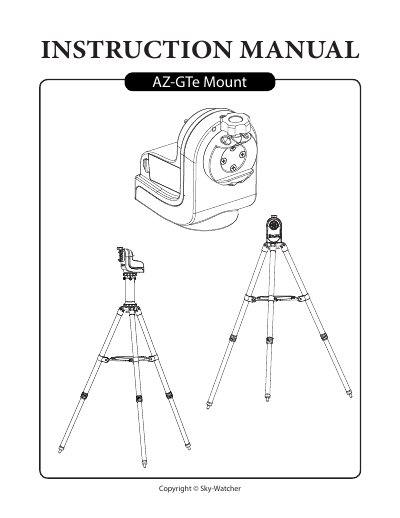
This manual guides users through setting up the AZ-GTe mount on tripods or camera tripods, attaching telescopes, and controlling the mount via hand controllers or mobile apps. It includes details on power requirements, Wi-Fi setup, firmware updates, and observing tips such as cooling the telescope and adapting eyes for optimal viewing. The mount supports up to 5kg payload and features a built-in Wi-Fi access point for app-based control.
| Mount Type | Altitude-azimuth |
|---|---|
| Payload | 5 kg |
| Mount’s Weight | 1.3 kg |
| Power Requirement | DC7.5~14V, 0.75A |
| Default Wi-Fi Access Point SSID | SynScan_xxxx |
| Access Point IP Address | 192.168.4.1 |
The default Wi-Fi SSID is 'SynScan_xxxx' with no password.
Visit www.skywatcher.com to download the firmware and necessary application for updating.