
This manual provides instructions for connecting and using the SynScan GPS mouse (GT-320FW(3.0)) with the SynScan hand control, including firmware updates…
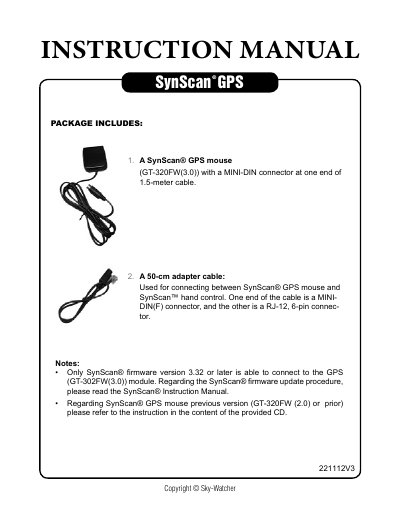
This document serves as an instruction manual for the SynScan GPS 221112V3, detailing the connection between the SynScan GPS mouse (GT-320FW(3.0)) and the SynScan hand control. It outlines the necessary steps for firmware updates, ensuring compatibility with version 3.32 or later, and describes the physical connection using an adapter cable.
| GPS Mouse Model | GT-320FW(3.0) |
|---|---|
| Cable Length | 1.5-meter |
| Adapter Cable Length | 50-cm |
| Power Requirement | 12V DC |
| Minimum Firmware Version | 3.32 |
| GPS Fix Time (First Use) | at least 50 seconds |
The firmware version of the SynScan hand controller must be version 3.32 or later to connect to the GPS mouse.
It will take at least 50 seconds to fix on the GPS signal the first time you connect the mouse.
The most accurate signal quality level is 3D+DGPS.