
This manual describes the operation of the EMS 5000 fire system.
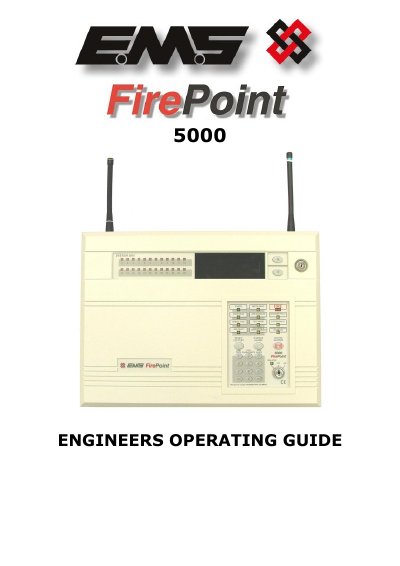
EMS Security Group Ltd. published this 5000 Engineers Operating Guide for the EMS 5000 FirePoint fire system. The guide is organized as step-by-step procedures for engineers, including resetting fire and fault events, entering the system event log, disabling and reinstating devices, logging on, removing and replacing devices, putting detector zones into test, testing individual sounders, and using the fault list and do's and don'ts.
Page 3 identifies panel features including zoned LEDs for fire indication, a thermal printer, keypad and panels, a control key switch, arrow keys for scrolling menus, a display, and VHF and UHF helical aerials. It also notes that control panels are supplied with all detector zones in test, and refers readers to Sections 12 or 14 to make the zones active.
| Device number range | 1 to 256 |
|---|---|
| User PIN length options | 4 or 6 digits |
| Post-silence reminder beep | Every 10 to 15 seconds |
| Radio aerials | VHF helical aerial (R/X) and UHF helical aerial (T/X) |
With the control key switch turned ON, press SILENCE ALARMS, then press RESET/LED TEST; return the key switch to OFF once the event is clear.
In the event logging menu, select View Log At Date, enter the date in dd/mm/yy format, and press YES.
The DETECTOR/ZONE DISABLED LED illuminates with an intermittent beep to indicate a disabled device on the system.
The panel accepts device numbers from 1 to 256 when selecting a device to disable or re-enable.