
This manual details the operating instructions for the RG70E/BGEF air conditioner, including the use of the automatic, cooling, dehumidifying, fan, and heating modes, as well as the settings for the timer function
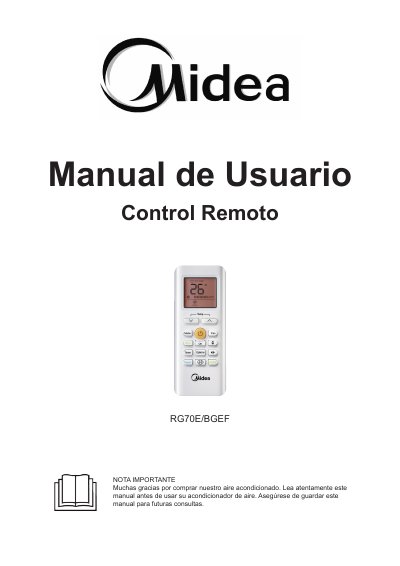
This Spanish user manual covers the RG70E/BGEF remote control for an air conditioner. It lists remote control specifications, explains the functions of the buttons, and describes the indicators on the LCD screen.
How-to-use instructions cover automatic, COOL, DRY, FAN, and HEAT operation, temperature and fan-speed adjustment, and the TIMER ON and TIMER OFF functions. It also includes notes on ECONOMIC, SUPER, SLEEP, and other button functions. This manual is written in Spanish.
| Model | RG70E/BGEF |
|---|---|
| Rated voltage | 3.0 V (dry batteries R03/LR03x2) |
| Signal reception range | 8 m |
| Operating range | -5 ºC ~60 ºC |
| Temperature adjustment range | 17-30ºC |
It uses 3.0 V dry batteries, R03/LR03x2.
The signal reception range is 8 m.
Press MODE to select COOL, use the UP/DOWN buttons to set the temperature, press FAN to select fan speed, and press ON/OFF to start the air conditioner.
No, fan speed cannot be changed in AUTO or DRY mode.