
Instructions for setting up, using, and troubleshooting the MyAir iPhone app with your home Wi‑Fi and air‑conditioning system.
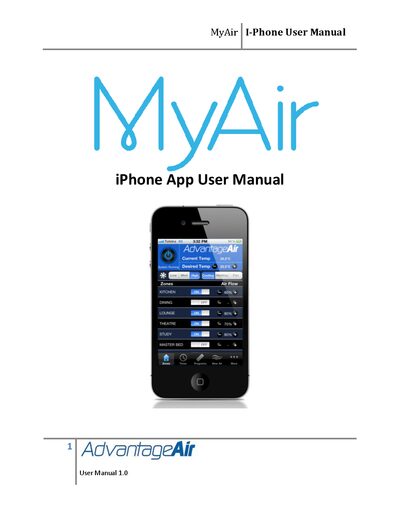
This manual guides homeowners through preparing their home Wi‑Fi, installing the MyAir app from the Apple App Store, and connecting the app to an Advantage Air air‑conditioning system. It includes steps for creating an Apple ID, downloading the app, and verifying network connections.
The guide also provides troubleshooting tips for network issues, resetting the MyApp module, and recommended Wi‑Fi routers to ensure reliable operation of the MyAir app within the home Wi‑Fi zone.
| Version | 1.0 |
|---|
Turn off power to the Wi‑Fi router and the air‑conditioning system, check cable connections, then press and hold the “RESET LAN DEFAULTS” button on the MyApp box before powering the devices back on.
Check that the MyApp adaptor is connected to the home Wi‑Fi router, verify the RED NETWORK LINK LED is on, ensure the router is using DHCP, and confirm the iDevice is within Wi‑Fi range.