
This document is a user manual for InteracTV Interactive TV. It introduces how to use the product and precautions.
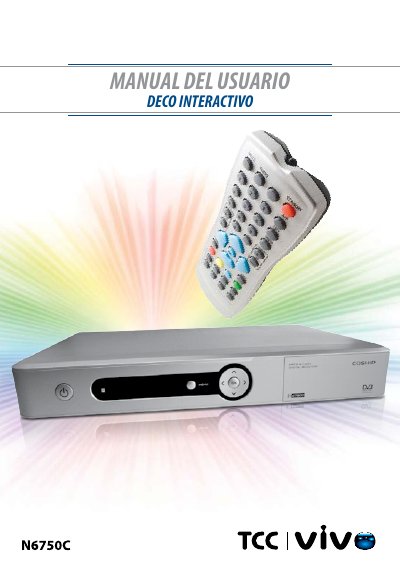
This Spanish-language manual is titled “DECO INTERACTIVO MANUAL DEL USUARIO.” It describes an interactive TV decoder, its functions, connections, and remote-control keys.
The guide explains the electronic program guide, scheduling and managing programs, automatic and manual cable channel search, sleep and wake timers, language settings, user preferences, and personal information entry. This manual is written in Spanish.
| Power input | 100-240 ~ |
|---|---|
| RF input | Analog signal input for cable connection |
| Video output | Video signal output to TV |
| Ethernet | Internet connection port |
Select Main Menu, User Settings, Installation, enter “1234”, then go to Set-Top Box Configuration, Scan List, Autoscan, and press OK to start.
Select a future program in the guide, press the green key, choose RECORDATORIO or TIMER, set the start and end options, then press the red key and confirm.
Open Main Menu, User Settings, Installation, User Settings, Language Configuration; choose the menu language, main language, and alternative language, then press OK to save.
Use Main Menu, User Settings, Sleep/Wake Modes; set Sleep Mode or Wake Mode to Yes, enter the time in hh:mm, and press OK to save.