
Motorola APX 6000XE Model 2 Digital Portable Two-Way Radio User Guide

This is an APX 6000XE radio user manual.
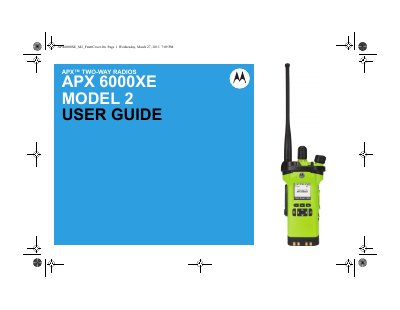

Motorola APX 6000XE Model 2 Digital Portable Two-Way Radio User Guide - cover page
Brand
Motorola
Category
Communications equipment
Document type
User Manual
Language
English
Pages
171
File format
PDF
File size
2.5 MB
Published
31 October, 2023
Updated
31 October, 2023
MD5 checksum
F3333CF2346B29BC30A460380ACD2BA5

About this manual

The Motorola APX 6000XE Model 2 is a digital portable two-way radio in the ASTRO APX 6000XE Series. The guide notes that the radio is restricted to occupational use and refers readers to the RF Energy Exposure and Product Safety Guide before use.

The document covers preparing the radio, identifying controls and status indicators, general zone and channel operation, advanced call features, emergency operation, secure communications, GPS, Bluetooth, utilities, battery care, accessories, and warranty information.

What's inside

  • Preparing Your Radio for Use
  • Identifying Radio Controls
  • Identifying Status Indicators
  • General Radio Operation
  • Advanced Features
  • Emergency Operation
  • Secure Operations
  • Global Positioning System (GPS)
  • Mission Critical Wireless - Bluetooth
  • Battery Care

Specifications

Default emergency button press timer1 second (programmable)

Frequently asked questions

How do I turn on the radio?

Turn the On/Off/Volume knob clockwise.

How do I exit emergency mode at any time?

Press and hold the Emergency button.

What does a blinking dot mean during scan?

It indicates activity on the Priority-One Channel during scan.

What does the display show when an Emergency Alarm is sent?

The display shows Emergency and the current zone/channel.

Download PDF (2.5 MB)

More Motorola Manuals


View all Motorola manuals →