
32M1N5800 user manual, introduces the safety, installation, operation, maintenance and warranty of the monitor
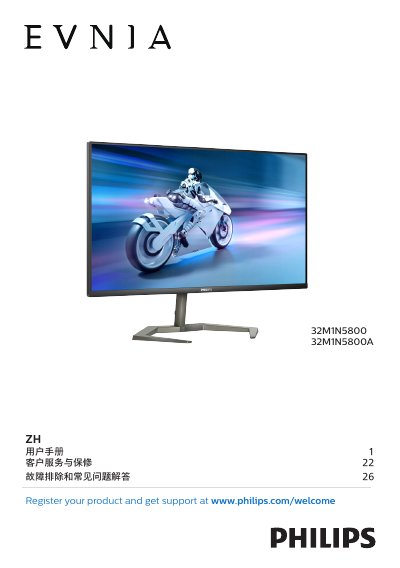
This user manual covers the Philips 32M1N5800 and 32M1N5800A monitors. It explains safety notices, package contents, stand installation, connections to a computer, and the locations of the HDMI, DisplayPort, audio, USB, and Kensington lock connections.
The guide also describes monitor operation, SmartImage and SmartContrast image settings, NVIDIA G-SYNC compatibility, AMD FreeSync Premium, HDR, technical specifications, power management, pixel defect policy, customer service and warranty, and troubleshooting with FAQs. This manual is written in Chinese.
| Operating temperature | 0-40 °C (32-104 °F) |
|---|---|
| Operating humidity | 20-80% RH |
| HDMI inputs | HDMI 1 and HDMI 2 |
| DisplayPort inputs | DisplayPort 1 and DisplayPort 2 |
The specified operating temperature is 0-40 °C (32-104 °F).
The manual specifies an operating humidity of 20-80% RH.
The manual lists HDMI 1 and HDMI 2 inputs.