
This manual introduces the features of fingerprint lock, installation debugging and maintenance and other content
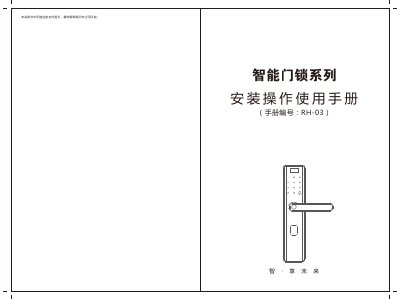
This Chinese-language manual is for a smart door lock series and carries the document number RH-03. It begins with important notices and then introduces functions including a semiconductor fingerprint sensor, voice-guided operation, battery power with a Micro USB external power interface, 6-12 digit passwords, IC cards, Bluetooth unlocking and device sharing.
The chapters cover product introduction and technical parameters, offline and Bluetooth management, installation with opening dimensions, assembly drawings and debugging, daily maintenance and troubleshooting, and after-sales warranty information. Specifications list fingerprint, password and card capacities as well as power, voltage and environmental limits. This manual is written in Chinese.
| Fingerprint capacity | 200 fingerprints |
|---|---|
| Password capacity | 50 groups |
| Card capacity | 100 cards |
| Password length | 6-12 digits |
| Operating voltage | 4.5 V to 6.5 V, maximum 7 V |
| Static power consumption | <60 uA at 25°C, <80 uA at 40°C/55°C |
| Dynamic power consumption | No sound and no motor action <80 mA; with sound and no motor action <200 mA |
| Operating humidity | 20%RH-90%RH |
| Operating temperature | -20°C to 55°C |
| Storage temperature | -30°C to 70°C |
The factory unlock password is 123456.
The lock can store 200 fingerprints.
Yes. The manual states that the lock supports Bluetooth connection and Bluetooth unlocking.
Press and hold the restore-to-factory button; after confirmation, the lock clears all registered user information.