
DMP 1118 Wireless Remote Indicator Light installation guide covering panel programming, power options, mounting, testing, LOBAT reset, and specifications.
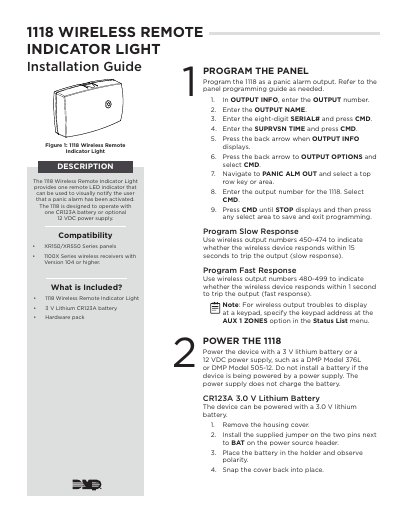
The 1118 Wireless Remote Indicator Light provides one remote LED indicator that can visually notify the user that a panic alarm has been activated. It is designed to operate with one CR123A battery or an optional 12 VDC power supply and is compatible with XR150/XR550 Series panels and 1100X Series wireless receivers with Version 104 or higher.
This installation guide describes programming the 1118 as a panic alarm output, installing battery or external power, selecting a location, mounting the device, and testing it from a keypad. It also covers clearing a LOBAT message after battery replacement, panic alarm indicator light operation, and specifications.
| Battery Life Expectancy | 2 months (fast response); 5 years (slow response) |
|---|---|
| Battery Type | 3 V Lithium CR123A |
| Frequency Range | 905-924 MHz |
| Dimensions | 4.65”L x 3.1”W x 1.4”H |
| Color | White |
| Housing Material | Flame retardant ABS |
| Power Source | One CR123A battery or optional 12 VDC power supply |
| Compatible Panels | XR150/XR550 Series panels |
| Compatible Receivers | 1100X Series wireless receivers with Version 104 or higher |
It provides one remote LED indicator that can visually notify the user that a panic alarm has been activated.
It can operate with one CR123A battery or an optional 12 VDC power supply.
When a Panic Alarm occurs, the LED turns on steady for five minutes and then turns off.
A sensor reset is required at the system keypad to clear the LOBAT message.