
This document is the user manual for the L661 model smart lock. It details the features, operation methods, management, and other functions of the product
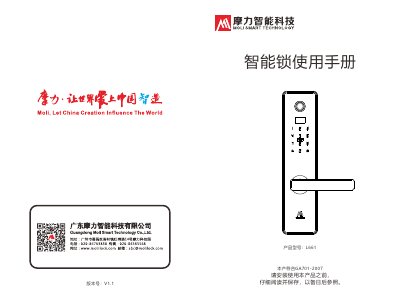
The L661 is a fingerprint smart lock described in this Chinese user manual. It supports fingerprint, password, proximity card and mechanical key unlocking and uses an OLED screen and voice prompts to guide operation. Up to 100 user groups can be managed, with the first three groups having administrator permissions.
The manual covers initial use, administrator and normal-user settings, restore-to-factory operation, verification mode settings, the stay-open function, product specifications, components and door installation. The lock is listed for doors 40–100 mm thick and is stated to comply with GA701-2007. This manual is written in Chinese.
| Unlocking methods | Fingerprint, password, proximity card, mechanical key |
|---|---|
| Working voltage | 6 V |
| Power supply | 4 x AA alkaline batteries |
| Emergency power | Micro-USB |
| Recognition speed | ≤0.1 seconds |
| User capacity | 100 groups (first 3 groups administrator) |
| False acceptance rate | ≤0.001% |
| False rejection rate | ≤0.1% |
| Fingerprint angle | 360 degrees |
| Suitable door thickness | 40–100 mm |
| Standard | GA701-2007 |
It supports fingerprint, password, proximity card and mechanical key unlocking.
The factory default management password is 123456.
The engineering password 123456 is automatically deleted after administrator information is enrolled.
It supports 100 user groups, with the first three groups having administrator permissions.