
This manual introduces the features, installation, use and troubleshooting of the Philips EasyKey 6200 series lever-style smart door lock.
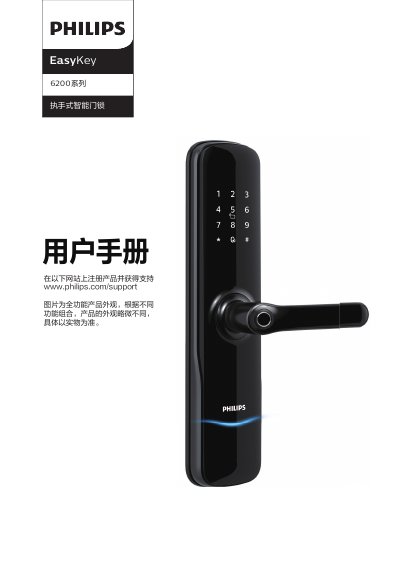
This manual covers the Philips EasyKey 6200 series lever-style smart door lock. It includes safety information, product contents, installation steps, panel and lock overview, settings, unlocking methods, locking methods, indicator lights, alarms, and troubleshooting.
The lock supports outdoor unlocking by password, fingerprint, or card where equipped, indoor unlocking by handle, locking from either side, mechanical key opening, and emergency power through a 5V power bank via Micro USB. This manual is written in Chinese.
| Basic power supply | 4 AA alkaline batteries |
|---|---|
| Battery box capacity | Two power groups; can hold 8 batteries |
| Emergency power | 5V power bank through Micro USB |
Use a 5V power bank as emergency power through the Micro USB interface to power the lock, then replace the batteries after opening.
The basic working power is four AA alkaline batteries, and the battery box has two power groups that can hold eight batteries.
If fingerprint, password, or card is entered incorrectly five times within five minutes, the lock is locked for three minutes.
When battery voltage is low, the low-battery indicator flashes red and a voice prompt says to replace the battery when unlocking.