
WTAIS42 smart stepper integrated machine supports 485 communication or CANopen communication, closed-loop encoder driver is installed at the rear of the motor, which makes the volume smaller, and the integrated machine can work in torque or positioning mode, without input pulse
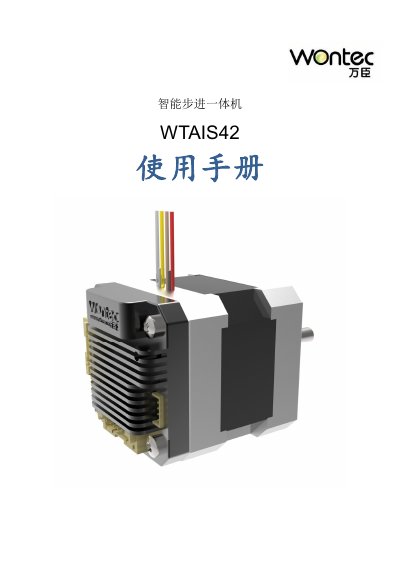
This is the Chinese user manual for the WTAIS42 intelligent stepper integrated machine, a stepper motor with a closed-loop encoder driver mounted on the motor tail. The manual lists the unit's features, describes its two user interfaces (power/motor port P1 and sensor/communication port P3), the two LEDs and the KEY button, and explains how to switch between normal mode and debug mode.
The document also covers operation details such as RS-485 or CANopen communication, torque and positioning modes, connecting level and limit sensors directly to the driver, and changing positioning parameters from a host computer. Interface pinout information is given in tables and figures on the later pages. This manual is written in Chinese.
| Communication interface | RS-485 or CANopen |
|---|---|
| Maximum slave stations | 99 |
| Compatible motor | 57 size two-phase 4-wire stepper motor |
| Driver dimensions | 42.2 × 42.2 × 14 mm |
| Host connection wiring | 4 wires: two 24V power, two communication |
| Encoder | Closed-loop encoder combined with the driver at the motor tail |
| Protection | Temperature and torque overload protection |
It supports RS-485 communication or CANopen communication.
In normal mode the red LED blinks; press the KEY once to enter debug mode, where the red LED blinks slowly. In debug mode you can read and set the motor station address.
Up to 99 slave stations are supported, and they can be cascaded.
It is designed for 57 size two-phase 4-wire stepper motors.