
Sapphire PURE WHITE H61M-VA Intel H61 Chipset, LGA1155 Socket Motherboard Installation Manual, mainly introduces the motherboard specifications, packaging contents, motherboard layout, I/O backplane, installation steps, BIOS settings, driver installation and other content
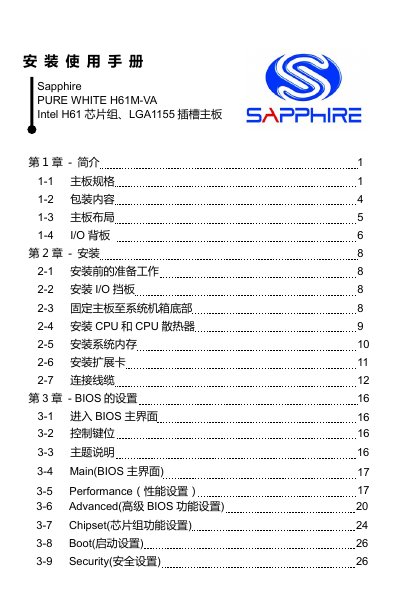
This guide provides step-by-step instructions for installing the Sapphire PURE WHITE H61M-VA motherboard, including preparing the system, installing CPU, memory, expansion cards, and connecting cables. It also covers BIOS setup and installing device drivers.
The motherboard supports LGA1155 processors, DDR3 memory up to 16GB, and includes onboard graphics, Realtek 8111 Gigabit Ethernet, and ALC662 audio. It features 4 SATA 2.0 ports, 8 USB 2.0 ports, and dual display outputs via DVI and VGA. This manual is written in Chinese.
| CPU Socket | LGA1155 |
|---|---|
| Chipset | Intel H61 |
| Graphics | Intel® HD Graphics |
| Memory | DDR3 SDRAM, up to 16GB |
| USB Ports | 8 USB 2.0 (4 on I/O, 4 onboard) |
| SATA Ports | 4 SATA 2.0 |
| Network | Realtek 8111 Gigabit Ethernet |
| Audio | Realtek ALC662, 5.1 channel |
| Form Factor | Micro-ATX (225 x 170 mm) |
| Operating Systems | Windows XP, Vista, 7 |
Supports LGA1155 socket Core i3/i5/i7, Pentium, and Celeron processors.
Supports up to 16GB DDR3 memory.
Onboard Realtek ALC662 codec supporting 5.1-channel audio.
4 SATA 2.0 ports with 3Gb/s transfer rate.